Welcome to iGet Into PC your best source for latest version of software and tutorials for PC, Macintosh and Linux iGetintopc
LDPlayer Android Emulator 14 Free Download
LDPlayer Android Emulator 14 Free Download Free Latest Version for Windows. The program and all files are checked and installed manually before uploading, program is working perfectly fine without any problem. It is full Free standalone setup of LDPlayer Android Emulator 14 Free Download for latest version of Windows.
LDPlayer Android Emulator 14 Free Download Overview
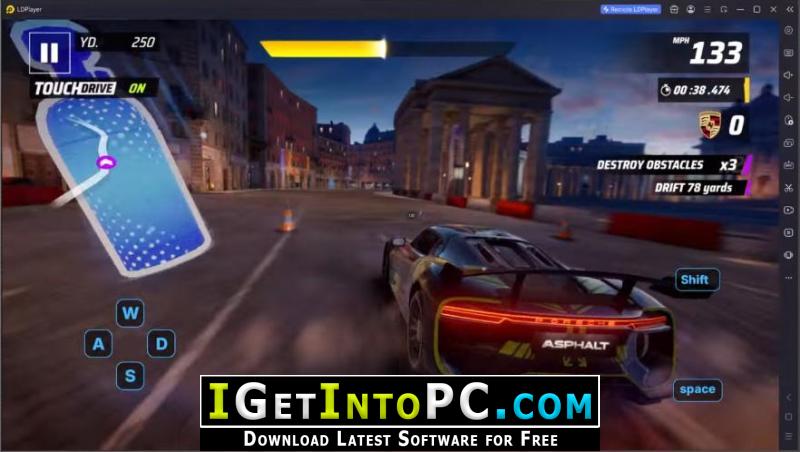
A Brand-new Android 14 Core, Evolved to Peak Performance Powered by the all-new Android 14 engine. Run top-tier games at full frame rate. Deliver stronger performance with lower resource consumption. Ultimate Multi-Instance, Synchronized Operations with Zero Latency Break through system limits and keep pushing the upper limit of multi-instance counts; paired with exclusive synchronizer technology for precise one-click control of all windows. You can also download MEmu Android Emulator 9.
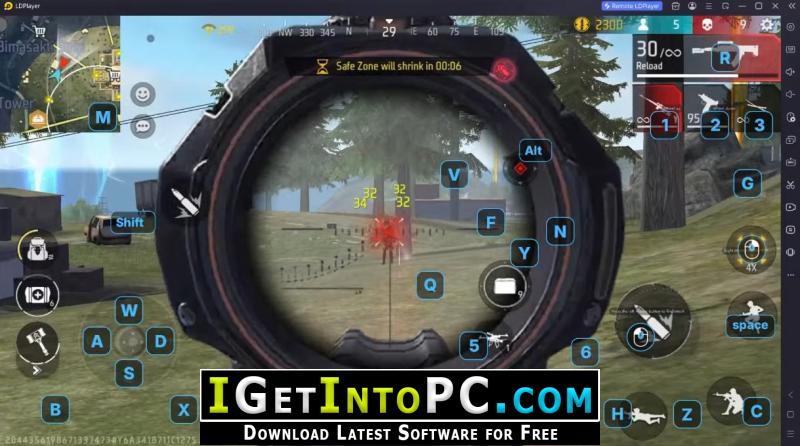
PC-Level Precision Control, Redefining Your Mobile Gaming Experience Perfectly recreates native keyboard and mouse control experience, with support for direct game controller connection; master powerful one-click macros for complex combos and repetitive tasks. Trusted by The World’s Top Partners, Enjoy Countless Blockbuster Titles Without Limits Partnering with hundreds of game publishers worldwide for exclusive optimization, delivering an officially certified smooth experience, with exclusive performance tuning to keep you one step ahead. You can also download BlueStacks 5.
Features of LDPlayer Android Emulator 14 Free Download
Below are some amazing features you can experience after installation of LDPlayer Android Emulator 14 Free Download Free please keep in mind features may vary and totally depends if your system supports them.
Cloud Preset Keymapping
- Skip manual setup and play instantly with built-in keymapping presets.
Script Recording & Auto Click
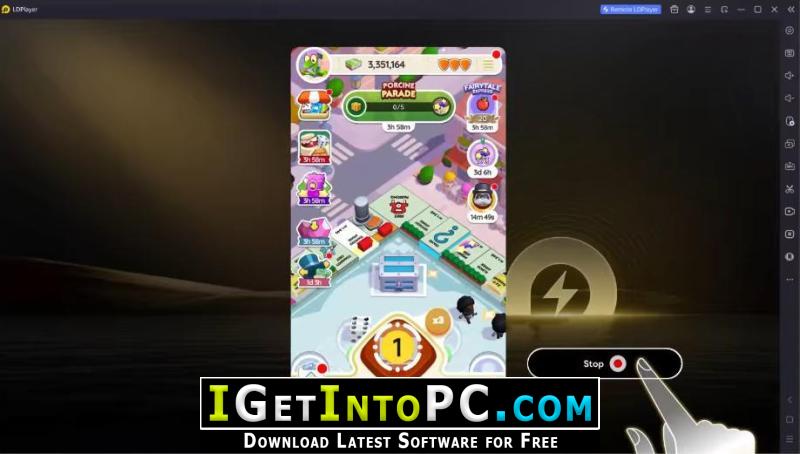
- One-click recording ends repetition and streamlines skill combos.
Full Controller Support
- Universal controller support, allowing quick switching across all game genres.
Instant Launch
- AOT and I/O passthrough eliminate cold-starts, delivering instant microsecond-level instructions.
Ultra-Low Load
- Managing process freezing and topology stops performance loss, enabling effortless multi-instancing.
Stable High Frame Rate
- Asynchronous rendering, hardware passthrough, and frame convergence achieve seamless full-frame operation.
System Requirements for LDPlayer Android Emulator 14 Free Download
Before you install LDPlayer Android Emulator 14 Free Download you need to know if your system meets recommended or minimum system requirements
- Operating System: Windows 7/8/8.1/10/11 (most updated versions only)
- Memory (RAM): 8 GB of RAM required.
- Hard Disk Space: 3 GB of free space required for full installation.
- Processor: Intel Pentium i5, multi-core GHz or higher.
LDPlayer Android Emulator 14 Free Download Technical Setup Details
- Software Full Name: LDPlayer Android Emulator 14 Free Download Free
- Download File Name: _igetintopc.com_LDPlayer_14.rar
- Download File Size: 929 MB. (Because of constant update from back-end file size or name may vary)
- Application Type: Free / Full Standalone Setup
- Compatibility Architecture: 64Bit (x64)
How to Install LDPlayer Android Emulator 14 Free Download Free
- Extract the downloaded file using WinRAR or WinZip or by default Windows command.
- If needed password is always igetintopc.com
- Open Installer and accept the terms and then install program.
- Remember to check igetintopc.com_Fix folder and follow instructions in text file.
- If you are having trouble, please get help from our contact us page.
LDPlayer Android Emulator 14 Free Download Instructions
Click on below button to start downloading LDPlayer Android Emulator 14 Free Download Free. This is complete Free and standalone setup of LDPlayer Android Emulator 14 Free Download Free for Windows. This would be working perfectly fine with compatible version of Windows.