Welcome to iGet Into PC your best source for latest version of software and tutorials for PC, Macintosh and Linux iGetintopc
O&O DiskImage Server Edition 22 Free Download
O&O DiskImage Server Edition 22 Free Latest Version for Windows. The program and all files are checked and installed manually before uploading, program is working perfectly fine without any problem. It is full Free standalone setup of O&O DiskImage Server Edition 22 Free Download for latest version of Windows.
O&O DiskImage Server Edition 22 Free Download Overview
With O&O DiskImage 22 you can quickly and conveniently create a data backup of the entire computer, your hard disks and partitions. Individual files and directories can also be easily backed up as backups. Or simply clone your hard drive to a reserve hard drive to be covered just in case. Of course, SSD (Solid State Disk) drives, GPT disks and current UEFI system configurations are also supported. A backup program is the most important software on your PC. You can also download Macrium Reflect 10 Server Plus.
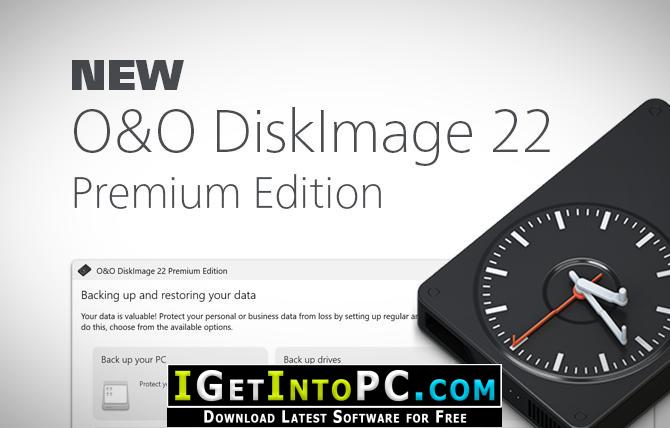
Regular data backup of one’s own data is still a neglected topic for many PC users. But at the latest with the first data loss due to a software, hardware or user error, it quickly becomes clear how valuable a reliable and up-to-date data backup can be. In the event of data loss, a backup previously created with O&O DiskImage will quickly make your backed up data available again with just a few mouse clicks – even if Windows no longer starts. You can also download FBackup 9.
Features of O&O DiskImage Server Edition 22 Free Download
Below are some amazing features you can experience after installation of O&O DiskImage Server Edition 22 Free please keep in mind features may vary and totally depends if your system supports them.
- Full system images (bit-by-bit images of all drives)
- Incremental and differential backups
- File-based backup of individual folders, files, or partitions
- 1:1 forensic backups including empty sectors
- Sector-based backups with smart filter (used sectors only)
- Hot imaging during operation
- Automatically include new drives in backup plans
- Secure encrypted drives (BitLocker, TrueCrypt compatible)
- Hybrid backups (files + image combined)
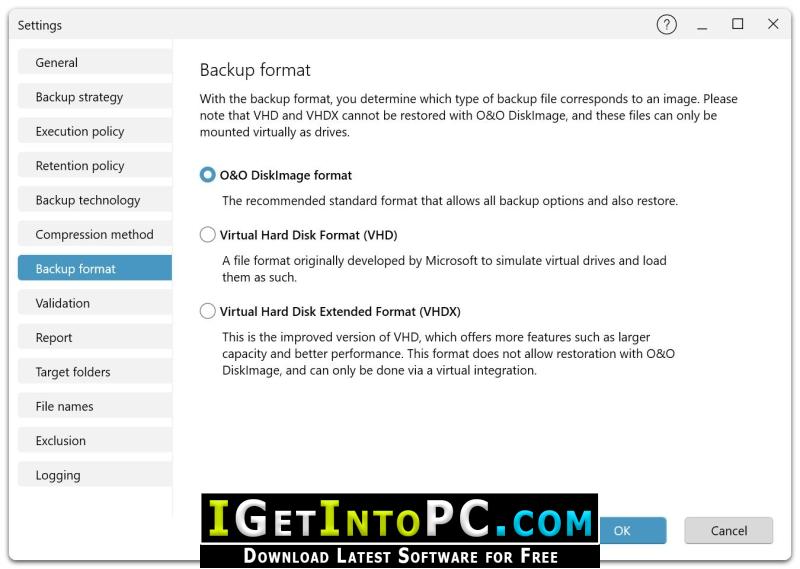
- Support for VHD/VHDX
- Restore and Restore Features
- Complete system restore on identical hardware
- Machine Independent Restoration (Wiederherstellung auf anderer Hardware)
- Selective restore of individual files and folders from images
- Bootable Recovery Environments (Bare Metal Restore)
- Restore individual partitions or entire drives
- Automatic drive discovery on recovery
- Repairing corrupted boot configurations
- Windows PE based rescue environment
- Backup planning and automation
- Timed backups with flexible intervals
- Automatic retry in case of errors
- One-click backup for full backups
- Recurring Backup Job Wizards
- Backup profiles for different strategies
- Automatically delete outdated backups
- Scriptable control via command line
- Storage and compression technologies
- Multi-level compression for optimal size-to-speed ratio
- Adaptive compression depending on content and file type
- Support for very large drives (> 16 TB)
- Deduplication of redundant data regions
- Splitting large backups into multiple files (splitting)
- Encryption and security
- AES 128/256-bit encryption
- Password-protected security images
- Checksums and signatures for integrity
- Pre-restore health check
- Optional encryption of individual partitions
- Protection of key system areas such as MBR and partition tables
- Target media and locations
- Backup to internal and external drives (HDD, SSD, NVMe)
- Back up to USB, eSATA, and Thunderbolt media
- Storage on NAS and network drives (SMB/CIFS)
- Backup to cloud storage via network mounts
- Backup directly to DVD/Blu-ray
- Support for removable drives, UEFI, and large NVMe drives
- User interface and ease of use
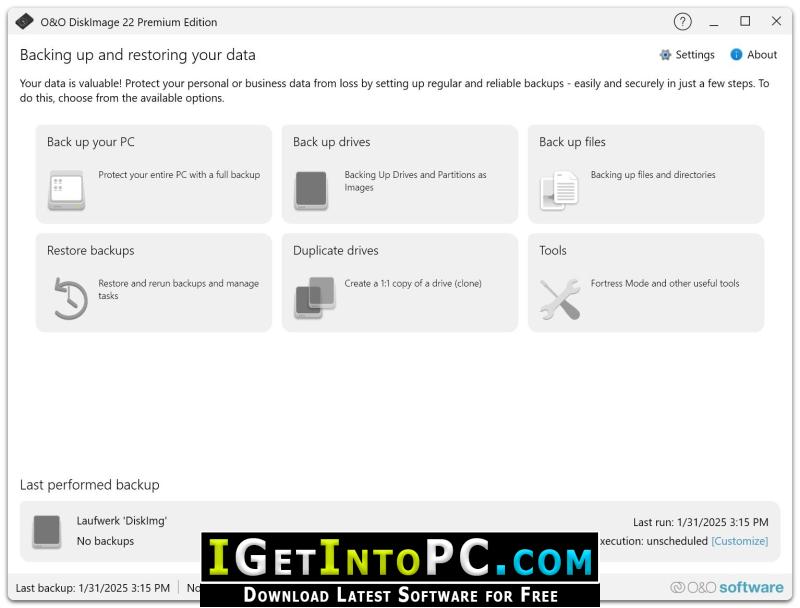
- Modern dashboard with complete backup overview
- Contextual quick actions
- Graphical representation of storage structures
- Centralized management of all backup types
- Assistant mode for beginners, expert mode for professionals
- Notification and log system
- Automatic fault detection with clear indications
- Virtualization and Conversion
- Convert images to VHD/VHDX
- Physical-to-Virtual Migration (P2V)
- Booting System Images as a Virtual Machine
- Conversion between different image formats
- Special features of the Premium Edition
- Machine Independent Restoration (MIR)
- Advanced driver integration for restore processes
- Automation Capabilities for IT Environments
- Forensic 1:1 copies for analysis and data recovery
- Script and PowerShell support
- O&O DiskImage Command Line Tools for Deployment and Batch Jobs
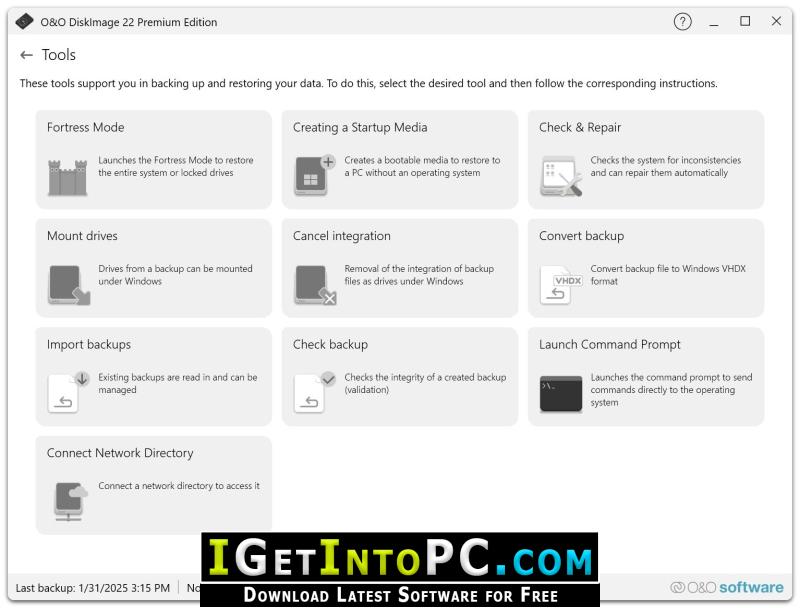
- Windows Tools and Rescue System
- Windows PE based boot environment
- Driver integration for the rescue system
- Disk Check and Repair Tools
- Network access in the rescue environment
- Backup and restore without working Windows
- Data Recovery and Diagnostics
- Access Corrupted or Deleted Partitions
- Analysis of corrupted images
- Logging of backup and error events
- SmartMonitoring for Backup Target Media
- Performance and scalability
- Multithreading support
- Optimized for modern multi-core processors
- High speed with large amounts of data
- Maximum stability for long-term backups
System Requirements for O&O DiskImage Server Edition 22 Free Download
Before you install O&O DiskImage Server Edition 22 Free Download you need to know if your system meets recommended or minimum system requirements
- Operating System: Windows 7/8/8.1/10/11 (most updated versions only)
- Memory (RAM): 8 GB of RAM required.
- Hard Disk Space: 300 MB of free space required for full installation.
- Processor: Intel Pentium i5, multi-core GHz or higher.
O&O DiskImage Server Edition 22 Free Download Technical Setup Details
- Software Full Name: O&O DiskImage Server Edition 22 Free
- Download File Name: _igetintopc.com_O&O_DiskImage_Server_Edition_22_x64.rar
- Download File Size: 118 MB. (Because of constant update from back-end file size or name may vary)
- Application Type: Free / Full Standalone Setup
- Compatibility Architecture: 64Bit (x64)
How to Install O&O DiskImage Server Edition 22 Free
- Extract the downloaded file using WinRAR or WinZip or by default Windows command.
- If needed password is always igetintopc.com
- Open Installer and accept the terms and then install program.
- Remember to check igetintopc.com_Fix folder and follow instructions in text file.
- If you are having trouble, please get help from our contact us page.
O&O DiskImage Server Edition 22 Free Download Instructions
Click on below button to start downloading O&O DiskImage Server Edition 22 Free. This is complete Free and standalone setup of O&O DiskImage Server Edition 22 Free for Windows. This would be working perfectly fine with compatible version of Windows.