Welcome to iGet Into PC your best source for latest version of software and tutorials for PC, Macintosh and Linux iGetintopc
NetSupport School 14 Free Download
NetSupport School 14 Free new and updated version for Windows. It is full Free standalone setup of NetSupport School 14 Free Download for compatible version of Windows. Program was checked and installed manually before uploading by our staff, it is fully working version without any problem.
NetSupport School 14 Free Download Overview
A classroom management solution is not simply about providing the right tools for each teacher; equally important are tools to ensure all computers in the school can be managed and maintained, so they are always available for teaching. With this in mind, NetSupport School provides a unique “Tech Console” specifically for IT technicians and network managers. You can also download EduIQ Network LookOut Administrator Pro 5.

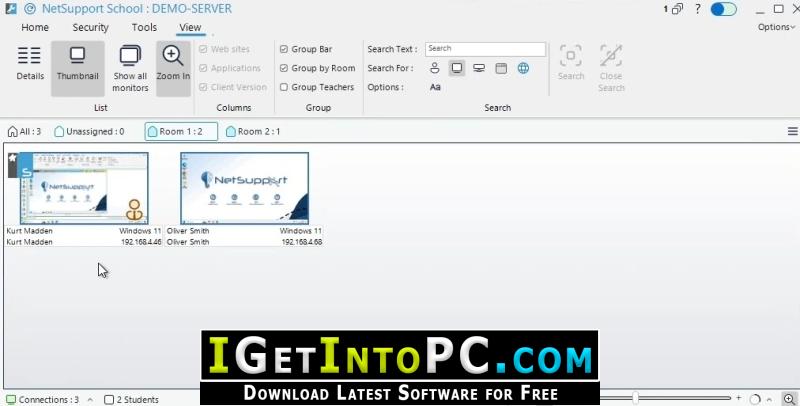
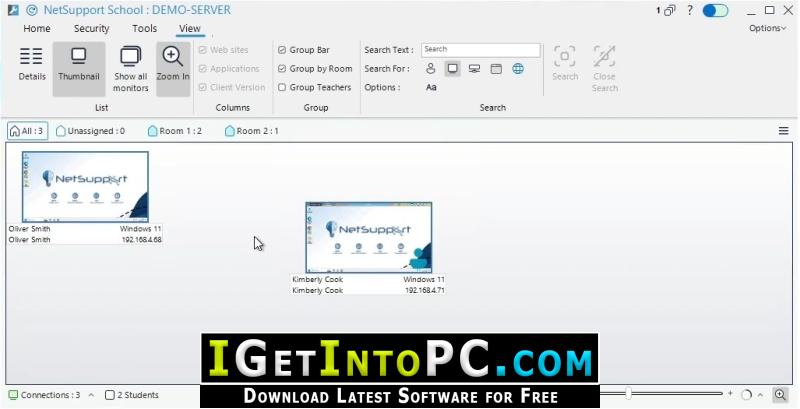
The Tech Console provides a single view of all computers across the school, allowing technicians to review hardware and software inventory, monitor internet and application usage, apply ‘always on’ internet, application and printing policies and define security policies which all PCs across the school will be checked against to determine whether they are secure. You can also download EduIQ Net Monitor for Employees Professional 6.
Features of NetSupport School 14 Free Download
Below are some amazing features you can experience after installation of NetSupport School 14 Free please keep in mind features may vary and totally depends if your system supports them.
- Monitor all computers across the school network in a single view. more info
- Monitor application and internet use on each student’s PC. more info
- Display all students and tutors by active class.
- Group all computers by classroom or physical location.
- Generate a full Hardware Inventory summary for a selected PC. more info
- Generate a full Software Inventory for each PC, including Hotfixes. more info
- Transfer files and folders to selected or all computers.
- Show real-time USB memory stick status on all students’ PCs.
- Edit the registry of a remote system.
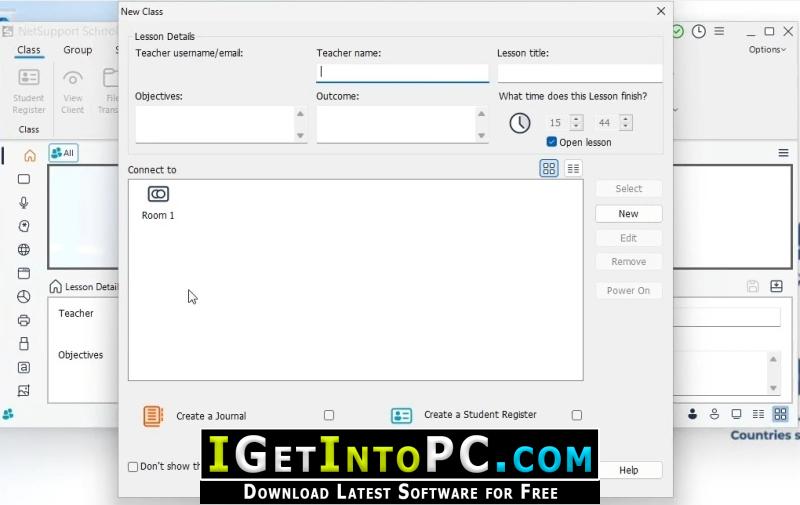
- The desktop tutor application for Windows provides the full range of features to help teachers maximise lesson time, engage with students and boost learning outcomes.
- Manage: One key strand of classroom management is exactly that: “managing” the students and their devices, to maximise time spent on teaching.
- Instruct: Being able to actively engage and keep the whole class on track within an IT classroom can be challenging at the best of times.
- Monitor: Being able to monitor student activity is the cornerstone of good classroom management software. Not only does it ensure students stay on task, but it is also a key foundation for an effective eSafety implementation.
- Assess: The more regular the feedback, the better the learning outcomes and the learner is equipped with the knowledge of how to improve. From informal classroom discussions and peer assessment to an end-of-year external examination.
- Security: With the level of desktop control and management available within the product, protecting its configuration and use is key to delivering the best possible standard of instruction, without the fear that the technology is open to abuse.
System Requirements for NetSupport School 14 Free Download
Before you install NetSupport School 14 Free Download you need to know if your system meets recommended or minimum system requirements
- Operating System: Windows 7/8/8.1/10/11 (most updated versions only)
- Memory (RAM): 8 GB of RAM required.
- Hard Disk Space: 200 MB of free space required for full installation.
- Processor: Intel Pentium i5, multi-core GHz or higher.
NetSupport School 14 Free Download Technical Setup Details
- Software Full Name: NetSupport School 14 Free
- Download File Name: _igetintopc.com_NetSupport_School_14.rar
- Download File Size: 76 MB. (Because of constant update from back-end file size or name may vary)
- Application Type: Free / Full Standalone Setup
- Compatibility Architecture: 64Bit (x64) 32Bit (x86)
How to Install NetSupport School 14 Free
- Extract the downloaded file using WinRAR or WinZip or by default Windows command.
- If needed password is always igetintopc.com
- Open Installer and accept the terms and then install program.
- Remember to check igetintopc.com_Fix folder and follow instructions in text file.
- If you are having trouble, please get help from our contact us page.
NetSupport School 14 Free Download Instructions
Click on below button to start downloading NetSupport School 14 Free. This is complete Free and standalone setup of NetSupport School 14 Free for Windows. This would be working perfectly fine with compatible version of Windows.