Welcome to iGet Into PC your best source for latest version of software and tutorials for PC, Macintosh and Linux iGetintopc
Freemake Video Converter 6 Free Download
Freemake Video Converter 6 Free includes all the necessary files to run perfectly on your system, uploaded program contains all latest and updated files, it is full offline or standalone version of Freemake Video Converter 6 Free Download for compatible versions of Windows, download link at the end of the post.
Freemake Video Converter 6 Free Download Overview
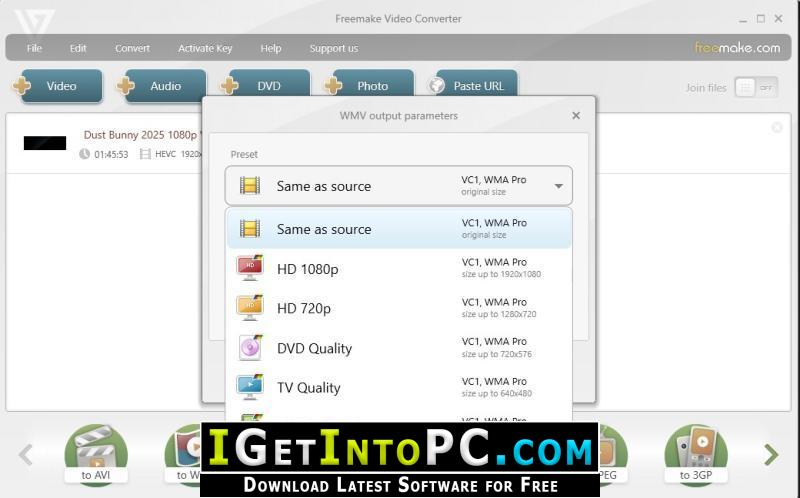
Free Video Converter by Freemake converts MP4 & 500+ video and audio file formats, edits video files, rips & burns DVDs, makes photo slideshows, and more! Freemake Video Converter Convert MP4, DVD, MP3, AVI files & More Freemake Video Converter converts video and movies between 500+ formats for free, including online vids. Convert to MP4, MP3, AVI, WMV, DVD, iPhone, Android. Convert video file of any size or format. Alter videos from Vimeo, Dailymotion, etc. Change video formats to MP3, MP4, AVI, WMV, MKV, 3GP, or other file formats. Free Video Converter automatically uploads videos and audio files into iTunes and iOS after conversion. Convert large HD vids and movies as well. You can also download XMedia Recode 3.
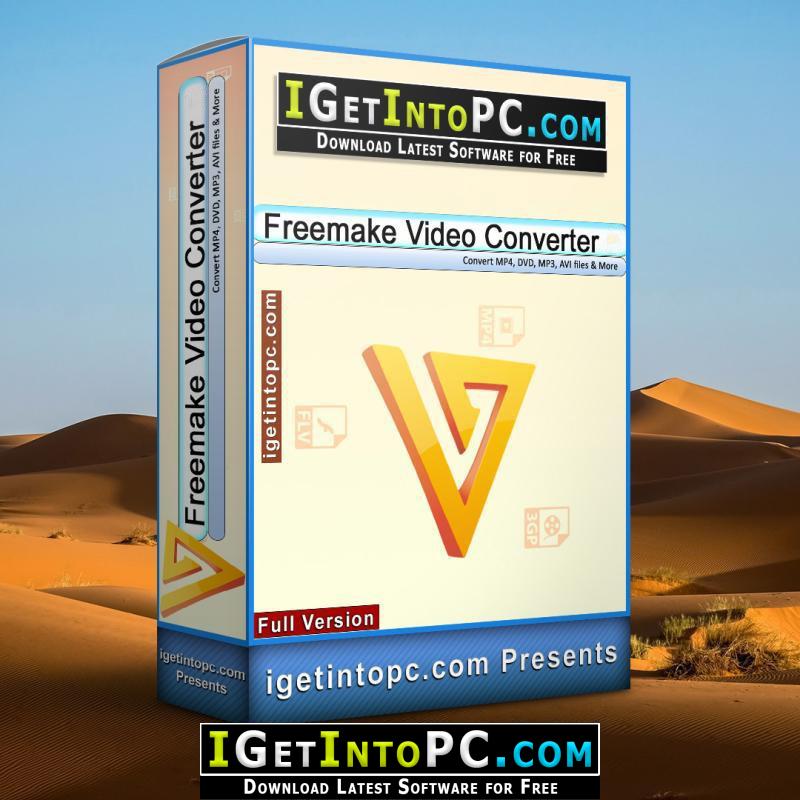
Freemake video file converter supports all popular & rare non-protected formats incl. MP4, AVI, MKV, WMV, MP3, DVD, 3GP, SWF, FLV, HD, MOV, RM, QT, Divx, Xvid, TS, MTS, Fraps. Import photos or audio files to turn multimedia to videos. Transform multiple video clips at once. Codecs included: H.264, H.265 (HEVC), MPEG4, AAC, AV1. Transform video files for any device with media playback with our free video converter to MP4. Use ready format settings for Apple iPhone, iPad, Google Android, Sony PSP, Xbox, Samsung, Nokia, Huawei, Xiaomi, BlackBerry phones, tablets, consoles, smartwatch. Change different file formats to MP4 or 3GP for old cell phones. For rare gadgets, create and use custom conversion settings. You can also download WonderFox DVD Video Converter 31.
Features of Freemake Video Converter 6 Free Download
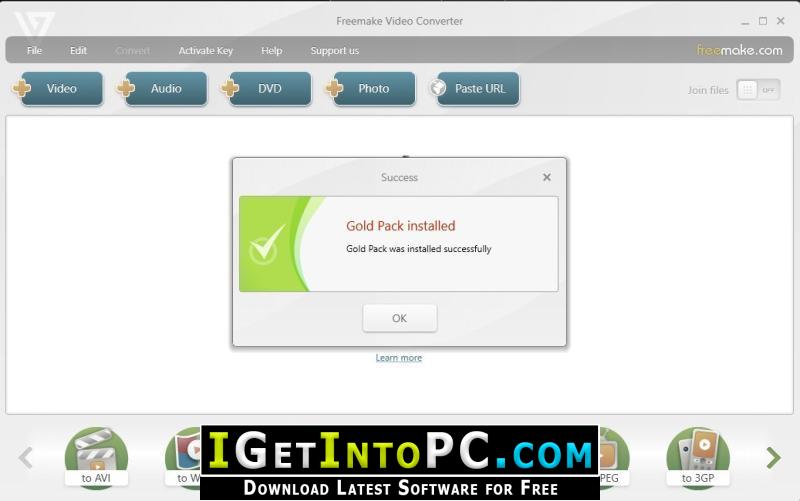
Below are some amazing features you can experience after installation of Freemake Video Converter 6 Free please keep in mind features may vary and totallya depends if your system supports them.
- Convert 4K, Full HD online with Video Converter
- Convert HD films without quality loss, e.g., MP4 to AVI.
- Freemake transcodes heavy 4K, Full HD 1080p, and HD 720p files from HD cameras, camcorders and Blu-ray.
- Rip & burn DVD and Blu-ray
- Rip and burn DVD/Blu-ray
- Rip DVD to MP4 format with or without subtitles. Burn up to
- 40 hours of movies to a single DVD disc. Save as DVD folder
- or create ISO. Convert MTS files from Blu-ray discs.
- Cut, join & rotate
- Cut, join, and rotate clips
- Cut video parts which you don’t need before conversion.
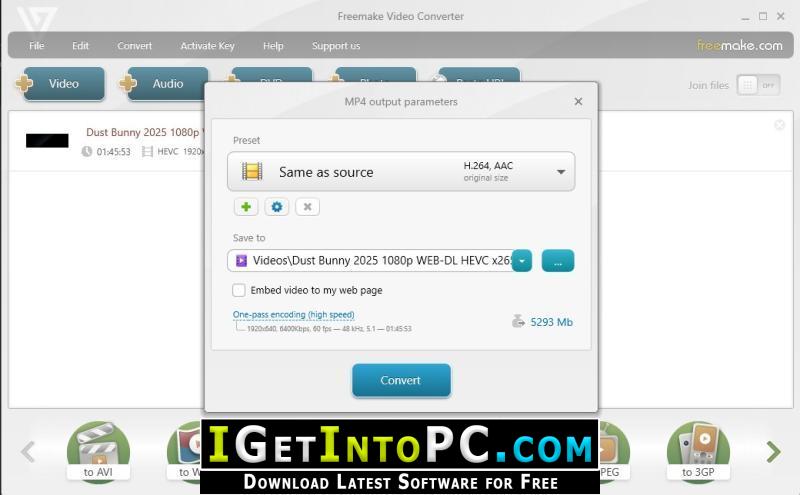
- Rotate any vid 90 or 180 degrees. Join MP4 or other clips into one. Remove black bars from any format. Limit output file size.
- Embed Icon
- Embed video to websites online
- Encode clips to Flash FLV, SWF or HTML5 media formats:
- MP4 (H.264), WebM (VP8), OGG (Theora). The freeware gives
- a ready web player & embed code to put on a site or blog.
- Convert subtitles
- Convert movies with subtitles
- Freemake’s movie converter allows you to add subtitles
- to a video in SRT, ASS, SSA file formats. Edit subtitles
- size and font. Special characters & Unicode supported!
- Upload to YouTube
- Upload clips to YouTube
- Send your visuals, DVDs, photos or music to YouTube directly from your desktop. The tool saves your account info for regular use. Transform your MP4 to MP3 & upload multiple files at once.
System Requirements for Freemake Video Converter 6 Free Download
Before you install Freemake Video Converter 6 Free Download you need to know if your system meets recommended or minimum system requirements
- Operating System: Windows 7/8/8.1/10/11 (most updated versions only)
- Memory (RAM): 8 GB of RAM required.
- Hard Disk Space: 250 MB of free space required for full installation.
- Processor: Intel Pentium i5, multi-core GHz or higher.
Freemake Video Converter 6 Free Download Technical Setup Details
- Software Full Name: Freemake Video Converter 6 Free
- Download File Name: _igetintopc.com_Freemake_Video_Converter_5.rar
- Download File Size: 108 MB. (Because of constant update from back-end file size or name may vary)
- Application Type: Free / Full Standalone Setup
- Compatibility Architecture: 64Bit (x64) 32Bit (x86)
- Application version updated: Freemake Video Converter 6.0.1.6
How to Install Freemake Video Converter 6 Free
- Extract the downloaded file using WinRAR or WinZip or by default Windows command.
- If needed password is always com
- Open Installer and accept the terms and then install program.
- Remember to check igetintopc.com_Fix folder and follow instructions in text file.
- If you are having trouble, please get help from our contact us page.
Freemake Video Converter 6 Free Download Instructions
Click on below button to start downloading Freemake Video Converter 6 Free. This is complete Free and standalone setup of Freemake Video Converter 6 Free for Windows. This would be working perfectly fine with compatible version of Windows.