Welcome to iGet Into PC your best source for latest version of software and tutorials for PC, Macintosh and Linux iGetintopc
Adobe Photoshop 2027 Download (v28.0) – New AI Features & System Specs
Adobe Photoshop 2027 (version 28.0) brings a major workspace redesign alongside smarter, non-destructive AI tools built for everyday editing. Whether you are retouching portraits, building composite scenes, or testing creative layouts, this release focuses on giving you faster control without sacrificing manual precision.
Below is a complete look at what is new in Photoshop 2027, the updated hardware requirements, and how you can download the official installer or free trial safely.
Adobe Photoshop 2027 Overview
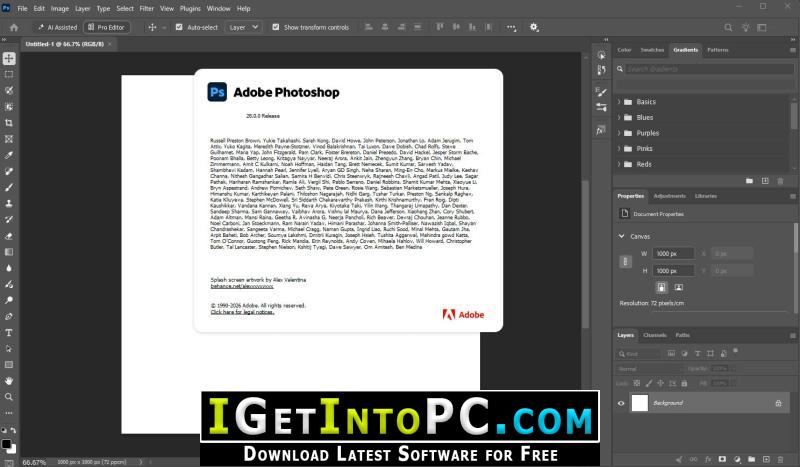
Photoshop remains the industry standard for photo manipulation, digital painting, and graphic layout. With the 2027 update, Adobe overhauled the interface with a darker, higher-contrast look featuring rounded panels, cleaner hover menus, and redesigned curves and color pickers.
Under the hood, Photoshop 2027 integrates Adobe Firefly Image 5 alongside partner models like FLUX and Topaz Labs. You can start an edit quickly using simple text prompts in the AI Assisted Editor and then switch straight to the Pro Editor to fine-tune masks, layers, and colors manually.
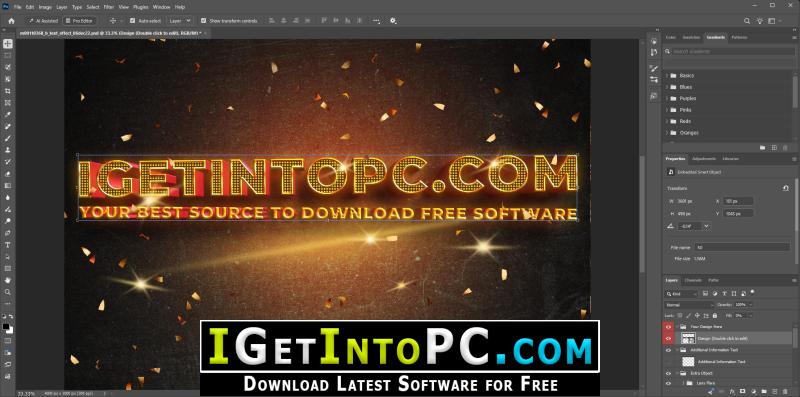
What’s New in Adobe Photoshop 2027?
- Relight Layer (Out of Beta): Add up to three independent light sources on a non-destructive layer. You can adjust light position, distance, color, intensity, and diffusion, and even cast realistic light onto reflective surfaces.
- Generative Restyle & Prompt to Edit: Transform the mood or style of an entire photo using text prompts. Use the interactive blend slider to balance the original image with the new look, or export the transition as a 4-second MP4 video. With Prompt to Edit, you can change clothing colors or add ambient lighting without making a selection first.
- Smarter Object Removal: The updated Remove Tool automatically detects and cleans up related elements—such as cast shadows, floor reflections, and stray light sources—when you erase an object.
- Rotate Object & Harmonize: Tilt, scale, and rotate objects in 3D space without rebuilding missing details, then use Harmonize to automatically match lighting and color tones across composited layers.
- Generative Upscale: Boost image resolution and recover crisp details using integrated AI upscaling powered by Firefly and Topaz Labs.
- Enhance Edge & Quick Compare: Automatically remove color halos around hair and complex edges when cutting out subjects. Use the new Quick Compare split-view button to toggle between your before-and-after edits instantly.
- Camera Raw Upgrades: Import Camera Raw masks directly into Photoshop as alpha channels, create space-saving virtual copies, and apply custom LUT files right inside Camera Raw.
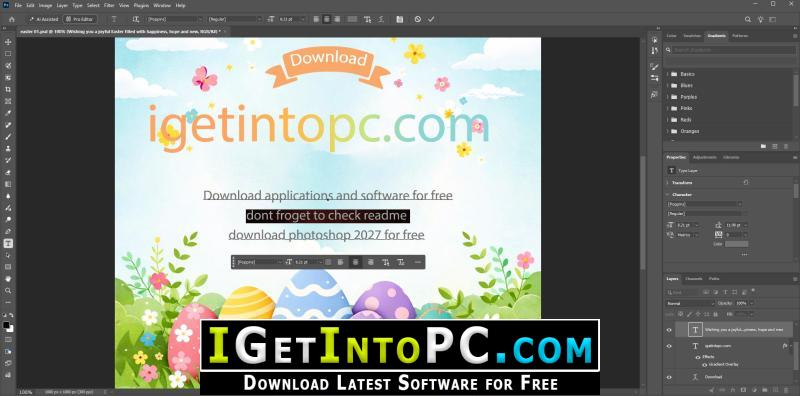
System Requirements for Adobe Photoshop 2027
Before installing Photoshop 2027, make sure your computer meets these hardware and operating system guidelines so AI tools and GPU acceleration run smoothly:
- Operating System: Windows 10 (64-bit) version 22H2 or Windows 11; macOS Ventura (13.0) or later
- Processor: Multi-core Intel or AMD processor (64-bit) with AVX2 support, or Apple Silicon (M1 or newer)
- Memory (RAM): 8 GB minimum (16 GB or more recommended for AI features)
- Graphics (GPU): GPU with DirectX 12 support and at least 1.5 GB of VRAM (4 GB recommended for 4K displays)
- Storage: 20 GB of available SSD space for installation and scratch disks
- Download Setup Size: 5.6 GB
Technical Setup Details
- Software Name: Adobe Photoshop 2027
- Version: 28.0.0 (Latest Release)
- Architecture: 64-Bit (x64 / ARM64)
- License Type: Free Trial / Creative Cloud Subscription
- Developer: Adobe Inc.
How to Download and Install Adobe Photoshop 2027
- Click the official download button below to visit the Adobe Creative Cloud portal.
- Sign in with your Adobe ID (or create a free account if you are a new user).
- Select Free Trial or Install inside the Creative Cloud desktop app to download the clean, official setup files directly from Adobe’s servers.
- Once the installation finishes, launch Photoshop 2027 from your Start Menu or Applications folder.
Frequently Asked Questions (FAQ)
Is Adobe Photoshop 2027 free to download?
Adobe offers a 7-day free trial of Photoshop 2027 through Creative Cloud, giving you full access to all new AI tools and features before choosing a monthly plan.
Does Photoshop 2027 work on 32-bit Windows or Windows 7?
No. Modern versions of Photoshop require a 64-bit version of Windows 10 or Windows 11 to support GPU acceleration and AI processing.
Do the new AI features require generative credits?
Yes. Tools like Generative Fill, Generative Expand, Generative Restyle, and Firefly Upscaling use monthly generative credits included with your Creative Cloud plan